Prof. Stewart Weiss, Department of Computer Science, Hunter College

This is a course that I created in 2004 in order to teach students how to create applications with graphical user interfaces. My original reason for creating this course was that I thought that our students needed practical knowledge in how to write applications for the various varieties of the Windows® operating system. In the standard computer science curriculum, students learned how to write nothing but "toy" programs that ran in console windows, very often without even understanding what a console window was or how it was displayed on the screen. In the first incarnation of the course, I opened the hood of the Win32 system programming interface and taught them how to write applications that created and maintained windows, managed consoles, messages, events, and errors, interacted with the file system and the Windows® security API, handled threading and multiple processes, and introduced elementary graphics via the GDI.
In Fall 2007, I completely redesigned the course, basing it instead on the GTK+ library. GTK+ is a free, high-level library for creating graphical user interfaces that works on many UNIX-like platforms (including the Macintosh) and Windows®. It is released under the GNU Library General Public License, so that programs developed with it can be freely shared according to the terms of the license. The revised course introduced the general principles of window-based programming, including events and signals, widgets and windows, graphical concepts, asynchronous I/O, drag-and-drop, and more. We worked on both the Windows and Linux platforms.
GTK+ is built on top of the GDK library. The GDK library provides an interface, on UNIX platforms, to the underlying X-windows system. On Windows® platforms, the GDK provides the same functionality but does so via calls to the Win32 API. Therefore, GTK+ is shielded from the differences in the underlying platforms so that, for the most part, programs written against it can run on different platforms. This is not quite the case in practice, as there still are differences, and the students in the class learned about them the hard way.
The lecture notes are a work in progress. Each semester they become more
comprehensive and detailed. I try to write up material that is not easily
found by web searches or by reading the API documentation of the various
libraries.
Course Lecture Notes
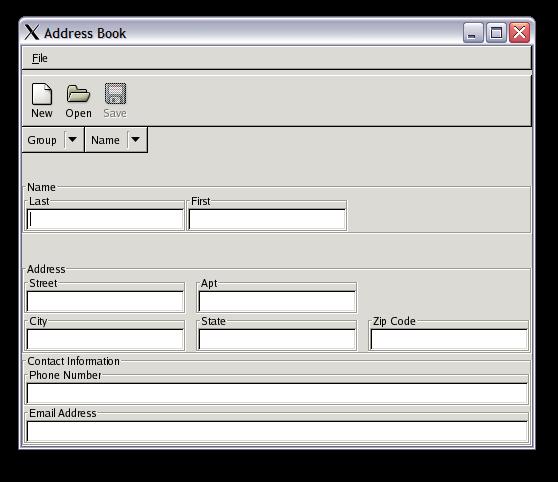
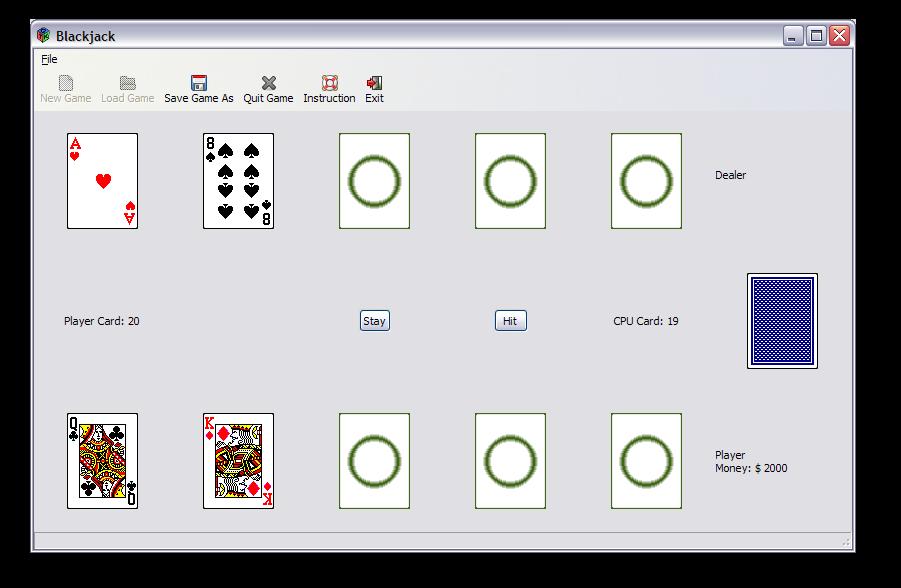
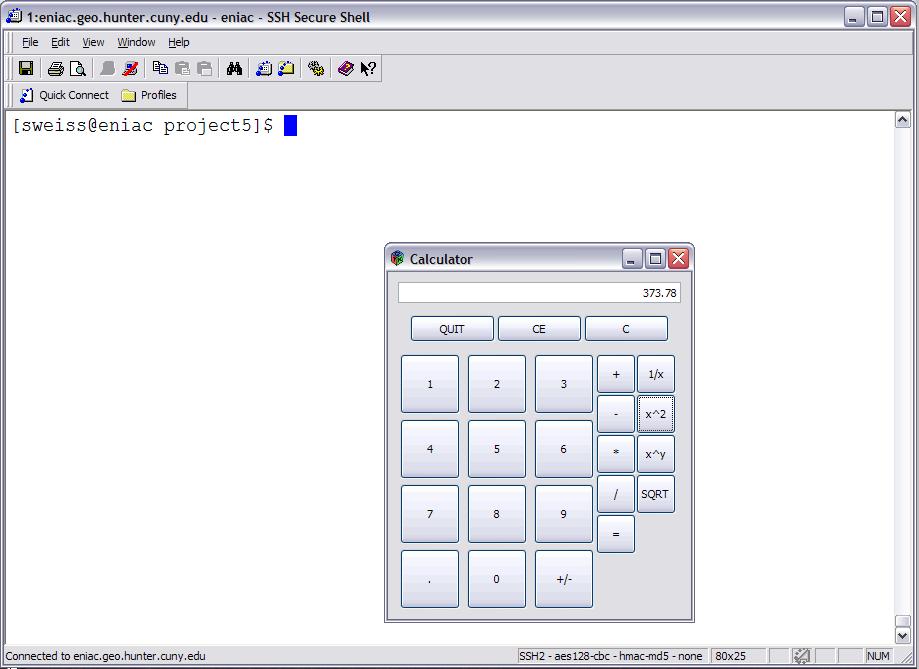
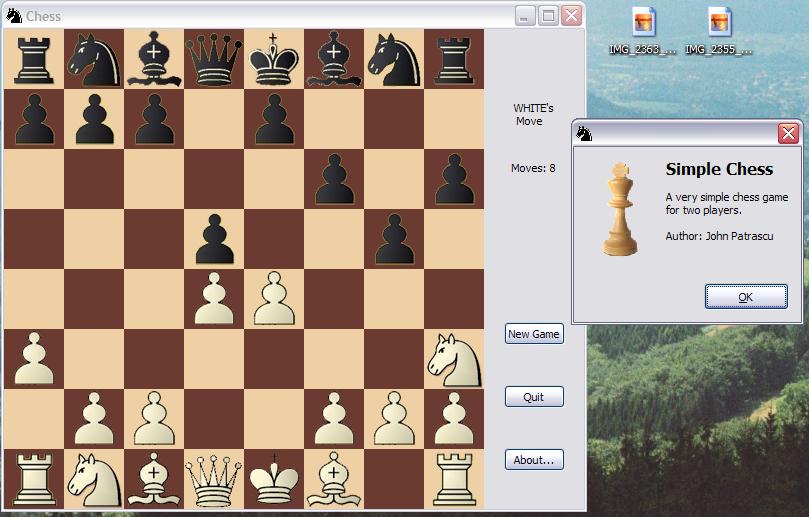
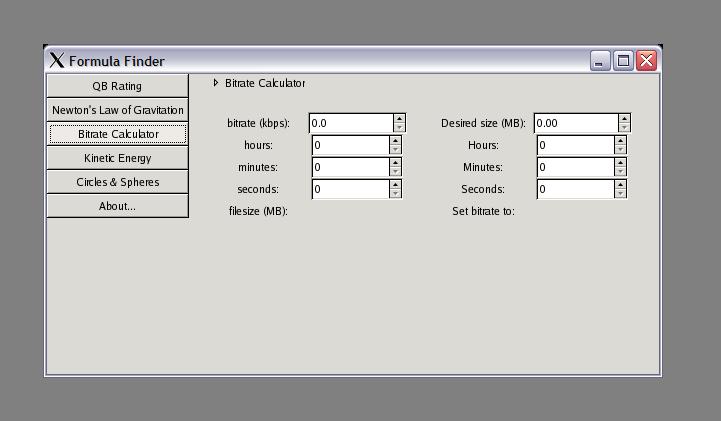
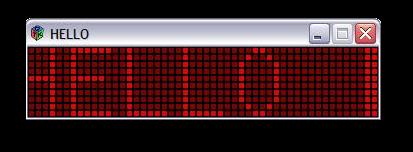
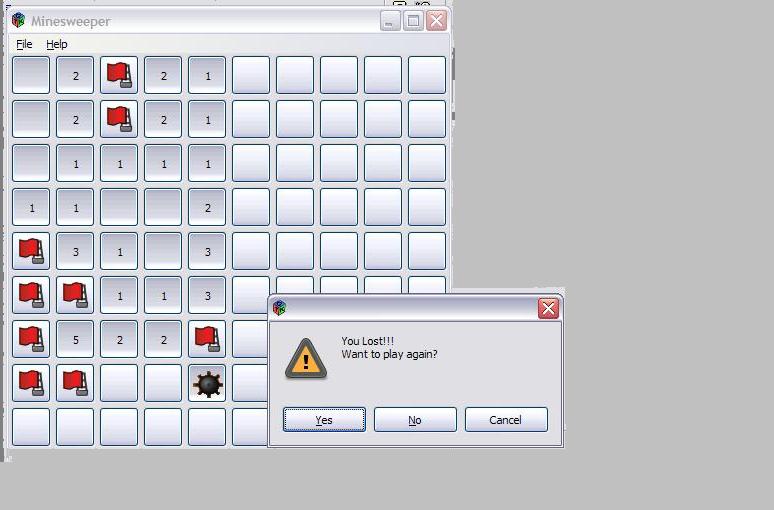
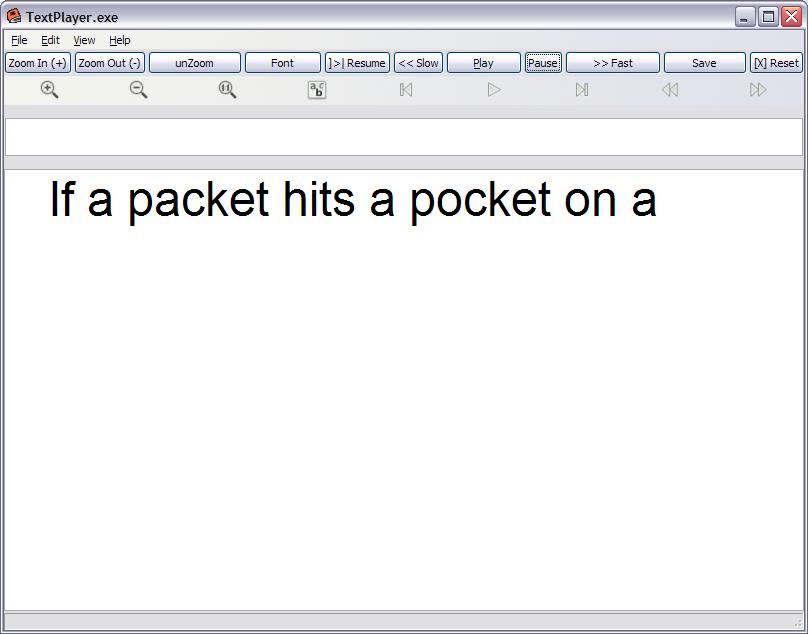
The students generally complete five projects during the semester, including a three-week final project of their own choosing. Within this three week time frame, they have to select, design, and implement their own projects. Three weeks is not much time to create a very complex application, and some are much more ambitious than others. Below are screenshots of the projects in various states of execution. In most cases, the applications ran on both Windows XP and Red Hat Enterprise Linux. The screenshots were taken on both systems.
The course was taught in Spring 2010, and in the Fall 2011 semester it was renamed and numbered, becoming CSci 493.70, Graphical User Interface Programming.
All Content Copyright ©2019 Stewart Weiss

Unless otherwise noted, all content is licensed under a
Creative Commons Attribution-ShareAlike 4.0 International License.